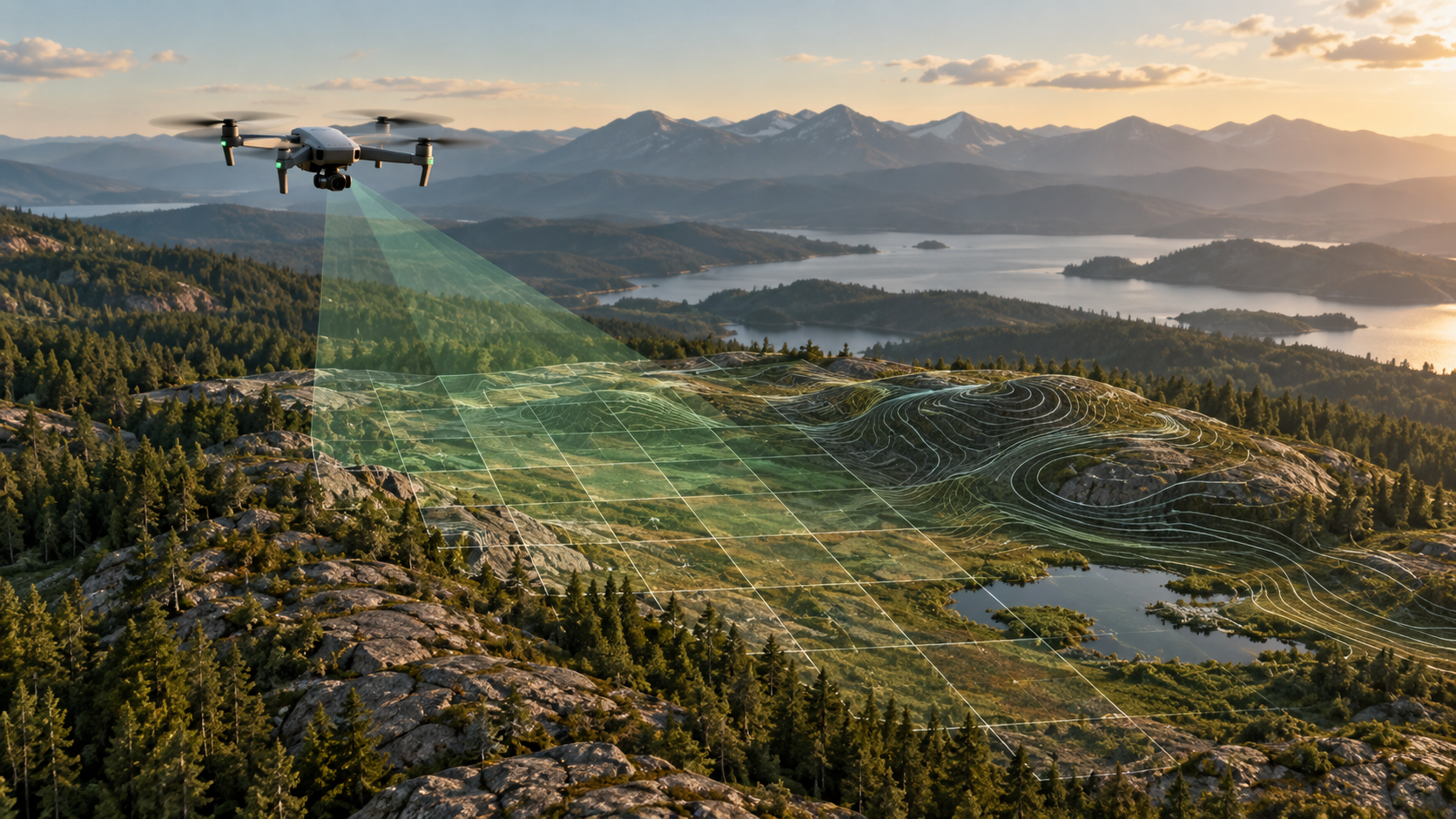
A six-hour processing run is the wrong time to discover a missing flight line or misplaced control point. MapFocal Quick Preview exists to make that review cheap.
What Quick Preview does
Quick Preview resizes imagery to a maximum of 2048 pixels and builds an orthophoto from the sparse reconstruction. It skips the dense point cloud, terrain surfaces, textured model, and upstream report. Use it to inspect coverage, alignment, and GCP placement.
What it cannot support
Do not use a sparse preview for DSM, DTM, contours, profiles, stockpile volumes, or survey deliverables. Those products depend on dense reconstruction and validation.
A practical sequence
1. Run image and metadata health checks.
2. Produce Quick Preview and inspect every edge and control point.
3. Correct inputs rather than accepting a known gap.
4. Run Standard Survey for the final 2D and viewer-ready 3D outputs.
The preview is a decision gate, not a lower-quality final survey.
A decision checklist before the preview
Confirm that the image count matches the field record, timestamps are plausible, positions plot in the expected area, and no flight folder was omitted. Review blur and exposure warnings at full resolution. If control is used, verify point names, coordinate order, CRS, units, height reference, and target visibility before processing. A fast run cannot compensate for a control file attached to the wrong project.
How to review the preview
Start at the boundary and follow the entire perimeter. Look for torn edges, doubled structures, abrupt colour changes, water artefacts, missing strips, and areas represented by only one flight line. Then inspect internal joins, high objects, repetitive surfaces, and every marked control point. Compare the preview against image positions rather than treating a smooth-looking mosaic as proof that all cameras aligned.
Record the decision as pass, correct and rerun, or stop. Note any excluded images and why. If the preview fails, fix the inputs; changing to a more expensive preset usually makes the same problem slower.
What changes for the survey run
Standard Survey uses the original-resolution managed images, dense reconstruction, medium point-cloud quality, terrain products, canonical rasters, a compressed point cloud, contours, report generation, and complete viewer tiles. Processing is complete only after required files pass checksum and openability checks. Keep the preview as inspection evidence, but never substitute its sparse geometry for a measurement surface.
Delivery check
Open the lossless orthophoto and display COG independently, inspect the DSM and DTM for nodata, confirm the report names the preset and engine version, and verify that 3D content loads before calling the job complete.
Example pass and fail decisions
A preview passes when the required area is covered, camera alignment is coherent, control locations are plausible, and no critical gap or torn boundary appears. Minor colour variation can be noted for later display work without blocking the survey run.
It fails when a flight strip is absent, a block is disconnected, control plots outside the site, a reflective or textureless area removes essential coverage, or important edges depend on too few images. The response is to correct the source selection, metadata, control, or capture—not to call the preview final or simply choose a slower preset.
Keep the preview decision with the project. A later reviewer should be able to see what was found, what changed before Standard Survey, and why the full run was authorized.
Sign-off record
Before relying on the workflow, record the project and revision, source dataset, selected preset or method, coordinate and height references, units, processing version, warnings, exclusions, independent validation, and the artifact used for the decision. Reopen critical outputs in an independent viewer and keep their checksums with the report.
The reviewer should answer four questions in writing: Is the required area supported by source evidence? Does the chosen product actually answer the operational question? Are accuracy and limitations stated without inferring more than the checks prove? Can another person reproduce the result from the retained inputs and settings?
If any answer is no, hold the delivery or label the limitation. A documented stop is safer than a polished output whose assumptions cannot be recovered.