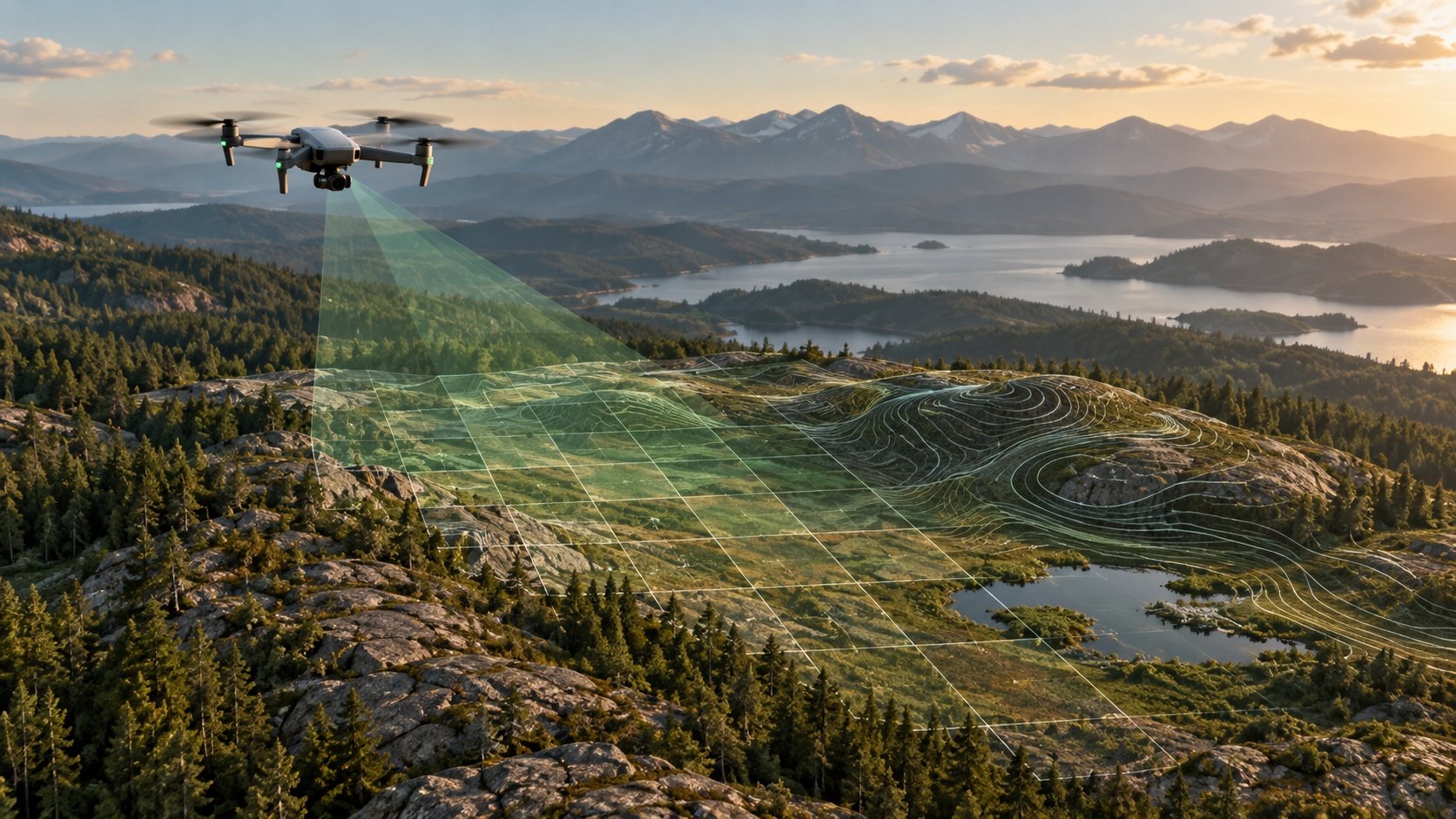
Photogrammetry pipelines mix feature extraction, matching, bundle adjustment, dense reconstruction, raster work, tiling, and compression. Different components use hardware differently.
Qualification before acceleration
MapFocal checks the Windows driver and runs a real container compatibility test. If qualification fails, CPU mode remains the safe fallback.
Measure complete jobs
Record engine version, dataset, preset, image count, resolution, CPU, RAM, GPU and VRAM, driver, per-stage time, total time, peak memory, failures, and output checks. A faster stage is not useful if another stage dominates or quality regresses.
Avoid broad claims
Small GPUs may help selected stages but run out of VRAM on large jobs. Driver updates and engine releases can change results. Publish benchmark tables only from repeatable runs with identical settings and validated outputs.
Users need expected time ranges and limitations, not an unsupported acceleration multiplier.
Separate capability from qualification
A Windows device name and VRAM count do not prove that the container can use the GPU. The host driver, CUDA compatibility, container runtime, engine build, and individual stage must all agree. Run a real qualification container and keep CPU fallback automatic when any check fails.
Design a fair benchmark
Use identical source bytes, preset, engine image digest, matcher policy, output requirements, and validation checks. Warm-up effects and cached inputs can distort a single run, so repeat representative projects where practical. Record stage times, total elapsed time, CPU and GPU utilization, peak RAM/VRAM, disk activity, failures, alignment, output counts, and checksums or geometry summaries.
Do not call a run faster if it silently omits dense reconstruction, lowers quality, or finishes before viewer tiles are ready. Compare end-to-end time to an accepted deliverable.
Interpret bottlenecks
Feature extraction or densification may accelerate while bundle adjustment, raster generation, compression, or storage remains CPU- or I/O-bound. Small GPUs can spend more time transferring data or fail on larger scenes. Thermal throttling and power settings also affect laptops.
Publish results as hardware- and version-specific measurements with datasets and limitations. Re-qualify after driver, engine, container, or hardware changes. On an unqualified machine, report CPU timing honestly and make no implied GPU speed claim.
Example qualification outcome
A workstation has a discrete GPU, but the locked processing image requires a newer CUDA level than the installed driver exposes. Container qualification fails before the engine begins. The correct default is CPU processing with a clear compatibility result—not a hidden fallback marketed as GPU acceleration.
On a qualified machine, compare identical accepted jobs. If feature work improves but dense reconstruction or tiling dominates total time, publish the stage and end-to-end results separately. Record VRAM pressure and any dataset size where behaviour changes.
Re-run the benchmark after driver, engine image, or processing-option changes. The useful claim is narrow: this exact hardware and software completed this validated dataset in this measured time.
Sign-off record
Before relying on the workflow, record the project and revision, source dataset, selected preset or method, coordinate and height references, units, processing version, warnings, exclusions, independent validation, and the artifact used for the decision. Reopen critical outputs in an independent viewer and keep their checksums with the report.
The reviewer should answer four questions in writing: Is the required area supported by source evidence? Does the chosen product actually answer the operational question? Are accuracy and limitations stated without inferring more than the checks prove? Can another person reproduce the result from the retained inputs and settings?
If any answer is no, hold the delivery or label the limitation. A documented stop is safer than a polished output whose assumptions cannot be recovered.