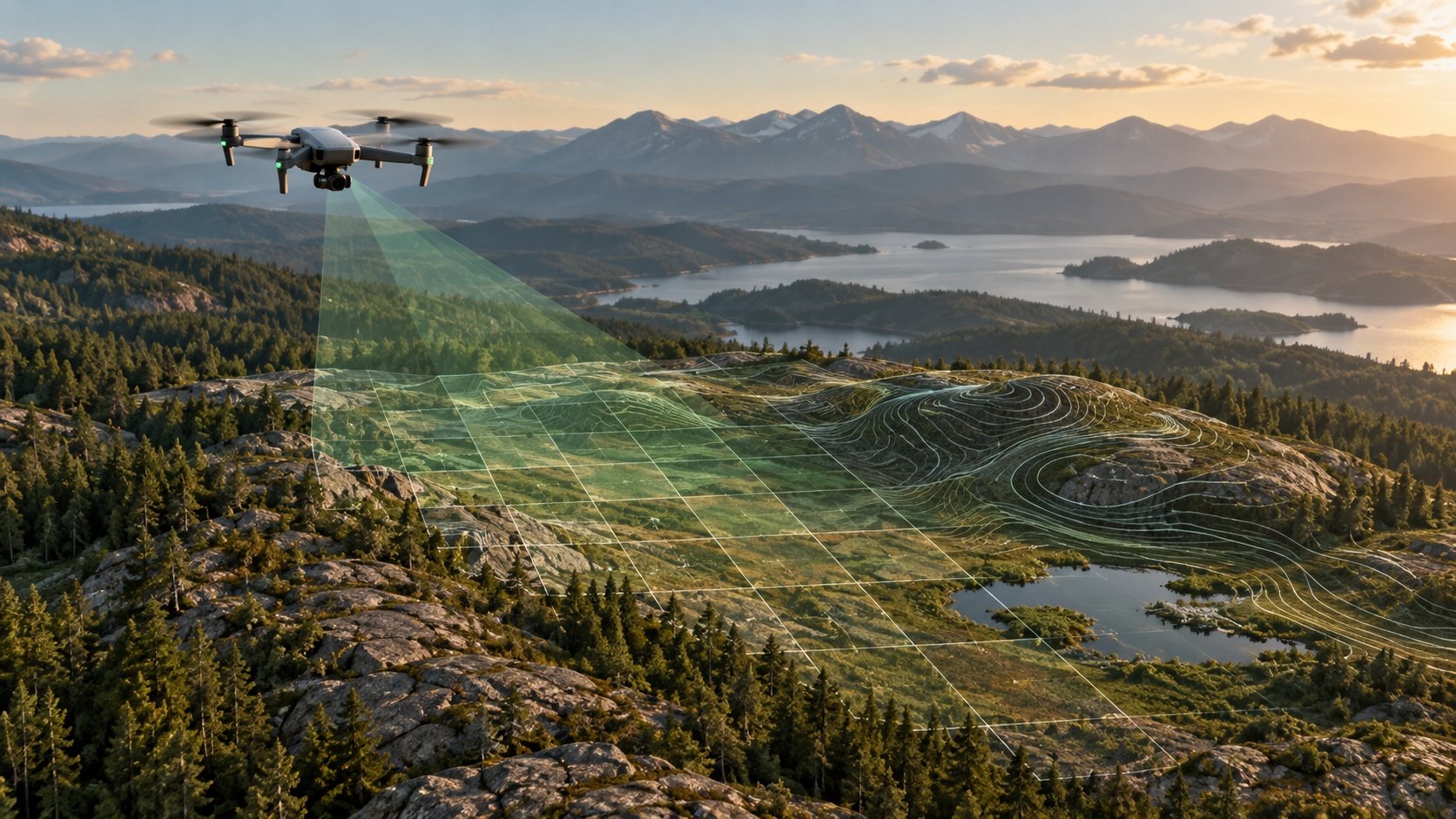
The Brighton Beach validation set contains 18 photographs plus reference DSM and point-cloud files. Its size makes it suitable for repeatable desktop workflow testing.
Validation sequence
Import managed copies, confirm checksums and metadata, run image health checks, and create Quick Preview. Inspect coverage and alignment before running Standard Survey.
What to compare
Record stage durations, CPU/GPU mode, peak memory, disk growth, required outputs, report metadata, restart recovery, backup/restore, and whether full 3D is available when the job completes.
What not to claim
The supplied reference files can support visual and metadata sanity checks. Without independent ground truth, GCPs, or checkpoints, differences do not establish absolute survey accuracy.
The purpose is a transparent product acceptance test: same inputs, recorded settings, complete outputs, and reproducible evidence.
What the dataset can demonstrate
The 18-image Brighton Beach set is compact enough for repeatable workflow checks. It can exercise import, managed copies, health reporting, preview, Standard Survey, raster and point-cloud canonicalization, full viewer tiling, cleanup, backup, restore, and restart behaviour. Supplied outputs can support sanity comparisons, but they are not independent checkpoints.
What happened in validation
Automatic matching was retained because capped-neighbour trials did not provide reliable coverage. The Standard Survey used medium point-cloud quality with DSM and DTM enabled while skipping the textured mesh and upstream report. All 18 images aligned in the accepted full run. The result was postprocessed into lossless and display orthophotos, DSM, DTM, nDSM, COPC, contours, DXF, hillshade, report, preview tiles, and full 3D tiles.
DEFLATE remained the terrain-raster compression default because ZSTD saved only about 0.08 percent across the DSM and DTM on the bundled tools. Raw engine cache was removed only after required artifacts passed checksum and openability validation.
Reproducibility limits
Hardware, driver, engine image, settings, and source bytes affect timing and output. Record those values before comparison. Do not use this case to promise survey accuracy or a universal processing time. Its value is the documented sequence and acceptance criteria, not a marketing multiplier.
How to reuse the case study
Use the same source bytes and document hardware, engine digest, settings, and output requirements. Run health checks and preview first, then time the complete Standard Survey through canonical postprocessing and full viewer preparation. Compare aligned-image count, footprint, point count, artefact inventory, checksums, and manual visual findings.
When experimenting with matcher limits, compression, or GPU support, change one controlled variable and retain automatic CPU processing as the baseline. A run is not better merely because it is faster; it must meet the same deliverable and viewer acceptance.
The case is valuable for regression detection and workflow training. It is not a substitute for site-specific checkpoint accuracy, hardware qualification, or a production-size benchmark.
Sign-off record
Before relying on the workflow, record the project and revision, source dataset, selected preset or method, coordinate and height references, units, processing version, warnings, exclusions, independent validation, and the artifact used for the decision. Reopen critical outputs in an independent viewer and keep their checksums with the report.
The reviewer should answer four questions in writing: Is the required area supported by source evidence? Does the chosen product actually answer the operational question? Are accuracy and limitations stated without inferring more than the checks prove? Can another person reproduce the result from the retained inputs and settings?
If any answer is no, hold the delivery or label the limitation. A documented stop is safer than a polished output whose assumptions cannot be recovered.